Overview Of This Week
I continued my development of my GDD and have finished what I could do for the time being.
Game Design Document (GDD)
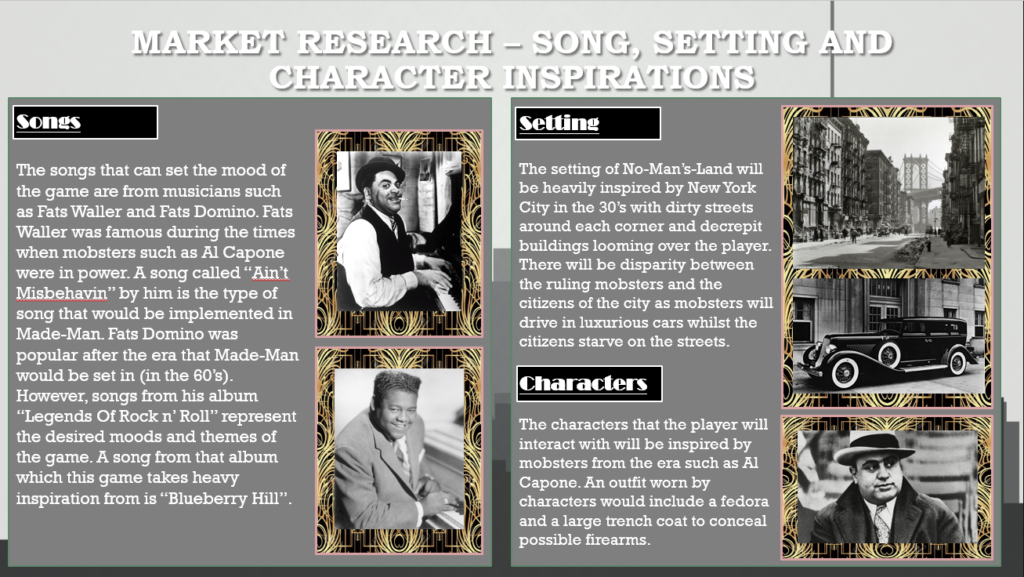
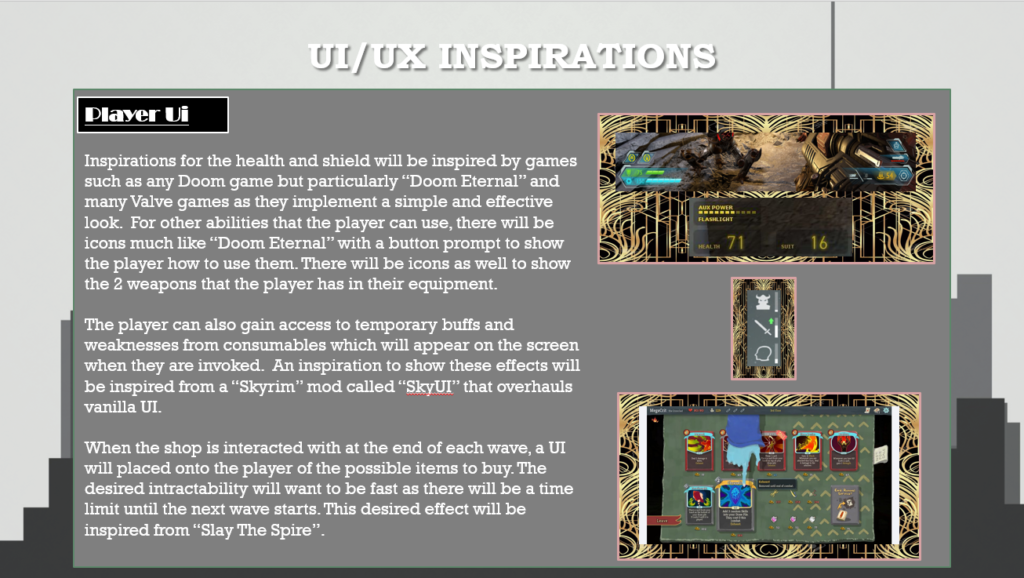
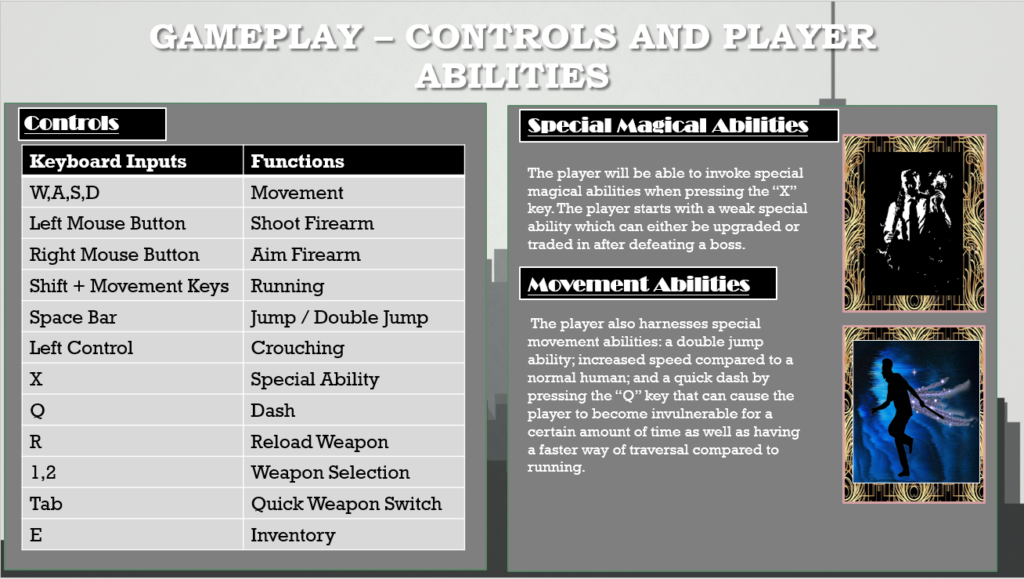
I managed to implement all of the information that I wanted to pass in my GDD and have become quite proud with how it looks. There was a lot of information that I put so I can’t explain them all in this blog but I will show some of the pages that I am most proud of below:
Extra Things I Have Learnt Or Problems I Have Solved This Week
Game Design Document (GDD)
- Most of my images that I implemented into my GDD had some sort of white background which would ruin the look of the slides in my opinion. This is where I learnt the basics of Photoshop to manually remove the White Backgrounds of the images. There is an automatic option to remove the background of an image, but sometimes it wouldn’t remove the desired parts of the image. This is where I learnt how to use the magic brush tool as well as how to use the eraser tool effectively
- A problem I encountered when I would export images from photoshop to my GDD is that it wouldn’t save the removal of the background and still have the white background. This is where I found out that it depends what type of file you save your images as. A JPEG file doesn’t save the removal of the background whereas a PNG file does.
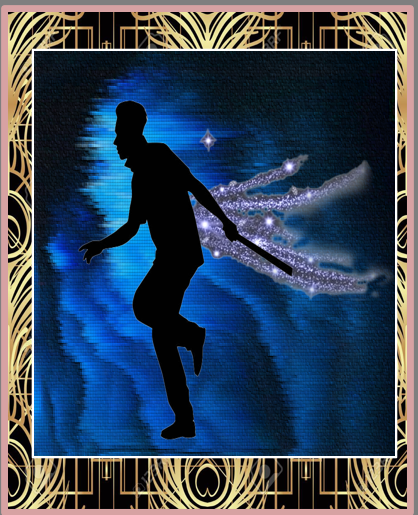
- I also made a few custom images in photoshop by layering different images on top of each other to create a new image that I desired. It isn’t a professional image but I am still proud of the result. The image will be shown below:
Plans For Next Week
Since I finished most of the GDD that I can do at this point (As I will have to show proof of planning and possible play tests of my game in the future), I will start planning my next steps for my indie game as well as how I am going to structure my project as a whole.